

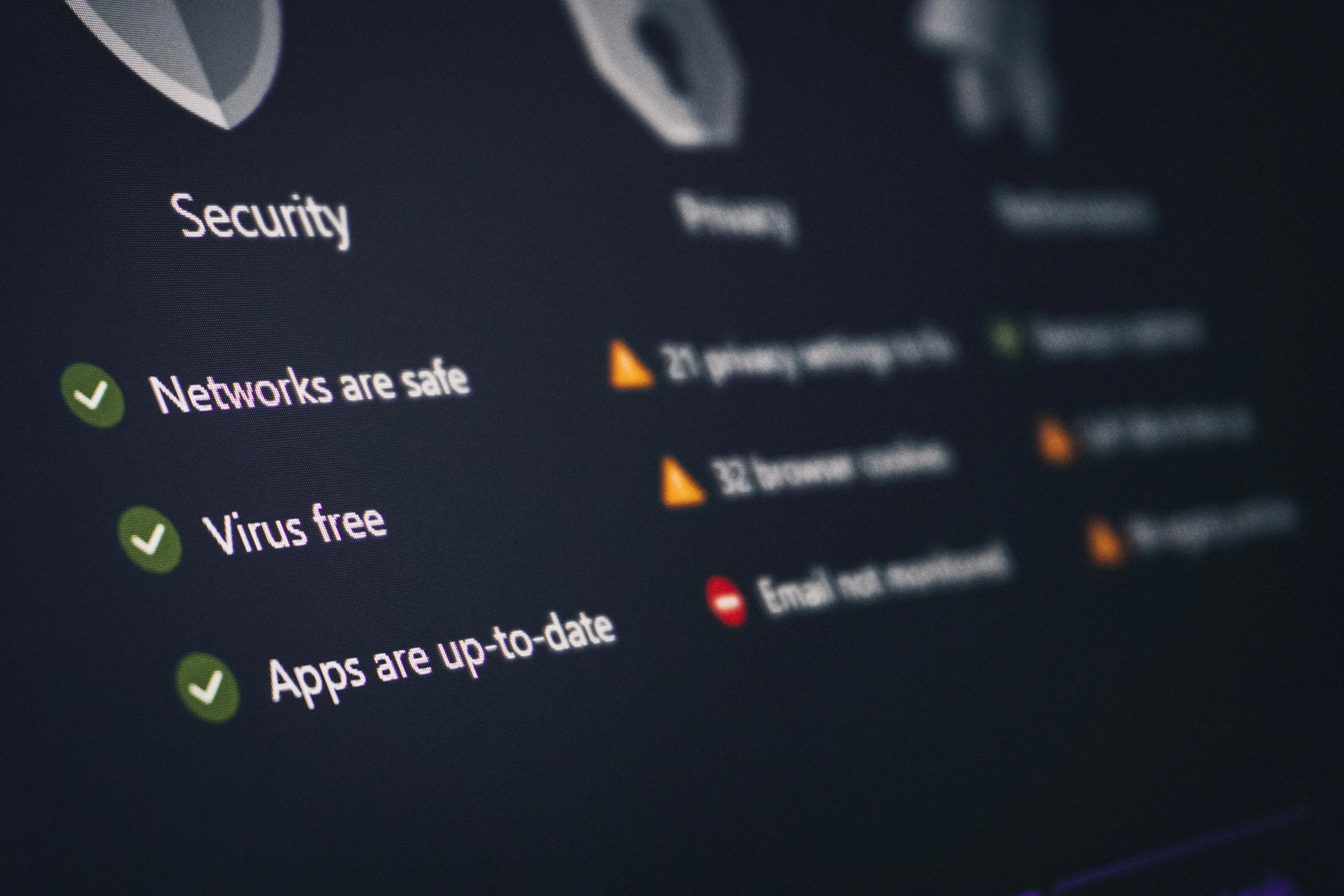
WordPress security in Singapore is a non-negotiable priority for any business running its website on the world’s most widely used CMS. WordPress powers over 43% of all websites globally — and that dominance makes it the single most targeted platform by hackers, malicious bots, and automated exploit scripts. Singapore businesses are not exempt from this threat. In fact, a business website that handles customer data, processes enquiries, or generates revenue online is precisely the kind of target that attackers prioritise.
According to the Sucuri Hacked Website Report, the vast majority of compromised websites run outdated WordPress core, themes, or plugins at the time of the attack. Furthermore, Singapore’s Cyber Security Agency (CSA) consistently highlights small and medium businesses as disproportionately vulnerable — often because they invest in building a website but not in protecting it. This guide will show you exactly what WordPress security in Singapore involves, what the most common threats are, and how to ensure your site is protected.
The Most Common WordPress Security Threats in Singapore
1. Outdated Core, Themes, and Plugins
Every piece of WordPress software — the core platform, your active theme, and every installed plugin — is a potential entry point for attackers when it falls out of date. Security vulnerabilities are discovered regularly, and patch updates are released to address them. However, if those updates are not applied promptly and in the correct order, your site remains exposed. WordPress security in Singapore requires a structured, regular update cycle — not ad hoc updates whenever you remember to log in.
2. Brute Force Login Attacks
Automated scripts continuously attempt to log into WordPress admin dashboards by cycling through common username and password combinations. If your site uses the default “admin” username or a weak password, it is extremely vulnerable. Additionally, the default WordPress login URL (/wp-admin) is well-known to attackers. Effective WordPress security in Singapore includes login hardening — custom login URLs, two-factor authentication, login attempt limits, and strong credential policies.
3. Malware Injection and Code Tampering
Once an attacker gains access to a WordPress site, they typically inject malicious code — either to redirect your visitors to harmful sites, steal customer data, display spam content, or use your server to attack other websites. This type of attack often goes undetected for days or weeks. Consequently, a site owner may not discover the breach until Google flags the site as harmful, customers report suspicious behaviour, or the hosting provider suspends the account.
4. SQL Injection and Cross-Site Scripting (XSS)
These are application-layer attacks that exploit vulnerabilities in how your website handles data inputs. They are particularly relevant to sites with contact forms, search functions, login areas, or eCommerce checkouts. Poorly coded plugins or themes are the most common entry point. WordPress security in Singapore therefore requires careful plugin selection — only vetted, actively maintained plugins from reputable sources should be installed.
5. Hosting-Level Vulnerabilities
WordPress security is not limited to the application layer. If your hosting environment is poorly configured — with shared resources, weak access controls, or outdated server software — attackers can compromise your site through your hosting account rather than through WordPress directly. A properly configured hosting environment is a foundational layer of WordPress security in Singapore that is often overlooked.
A WordPress Security Checklist for Singapore Businesses
Here is the core set of security measures every Singapore business should have in place for their WordPress website. These are not optional extras — they are baseline requirements for any site handling real business activity.
- Keep everything updated — WordPress core, all themes, and all plugins, applied in a tested sequence using a staging environment. See WordPress’s official security hardening documentation for technical guidance.
- Use strong, unique credentials — Admin username should never be “admin”. Passwords should be complex and stored in a password manager, never reused across platforms.
- Enable two-factor authentication (2FA) — For all admin and editor accounts. This single step prevents the vast majority of successful brute force attacks.
- Limit login attempts — Use a plugin or server-level rule to block IP addresses after a defined number of failed login attempts.
- Install a security plugin — Tools like Wordfence or Sucuri provide firewall protection, malware scanning, and real-time threat monitoring.
- Use SSL (HTTPS) — Encrypt all data transmitted between your server and your visitors. SSL is also a Google ranking signal, making this both a security and an SEO requirement.
- Maintain regular off-site backups — Automated daily or weekly backups stored separately from your hosting environment ensure you can restore your site quickly after any incident.
- Disable unnecessary features — Turn off XML-RPC if you do not use it, remove unused themes and plugins, and restrict file editing within the WordPress dashboard.
WordPress Security and Your Maintenance Plan
Every item on the checklist above requires ongoing attention — not a one-time setup. WordPress security in Singapore is an active discipline, not a passive configuration. This is precisely why professional website maintenance is essential for any business taking its digital presence seriously.
Our comprehensive guide to website maintenance in Singapore covers the full scope of what ongoing site care involves — including security, performance, and update management. Additionally, our Maintenance and Security service page outlines exactly what Silent Frontier provides as part of our managed maintenance plans.
What Happens If Your WordPress Site Is Hacked
A compromised WordPress website can cause serious, lasting damage to your business. Specifically, the consequences typically include:
- Google blacklisting your site and displaying “This site may be harmful” warnings to visitors
- Your hosting provider suspending your account — taking your site completely offline
- Customer data being stolen or exposed, potentially triggering regulatory obligations under Singapore’s PDPA
- Weeks of recovery work — cleaning infected files, restoring from backups, and rebuilding customer trust
- A permanent drop in search rankings that can take months to recover
Recovery is always more expensive and more disruptive than prevention. Therefore, investing in proper WordPress security in Singapore before an incident is the only rational approach.
How Silent Frontier Handles WordPress Security in Singapore
At Silent Frontier, WordPress security is not a service add-on — it is a standard component of every website we build and every maintenance plan we manage. All websites we build include SSL configuration, security hardening, and a structured update protocol from day one. Our ongoing Maintenance and Security service provides continuous monitoring, regular updates applied through a tested staging process, malware scanning, and off-site backups — so your site remains protected without requiring you to manage any of it yourself.
We also service websites built by other agencies. If your WordPress site has not had a security review recently, we can audit your current setup and address any vulnerabilities before they are exploited. Learn more about our team and our approach at About Us, and explore the organisations we support on our Our Work page.
If you are also concerned about the performance implications of security tools on your site’s load speed, our guide to WordPress websites in Singapore explains how a properly built site balances security and performance without compromise.
Take WordPress Security in Singapore Seriously — Before It’s Too Late
WordPress security in Singapore is not a topic to revisit after something goes wrong. Every day without proper protection is a day of unnecessary risk. Therefore, if your website does not currently have a structured security and maintenance programme in place, now is the time to put one in.
Contact Silent Frontier today for a free WordPress security assessment. We will review your current site, identify your vulnerabilities, and recommend the right level of ongoing protection for your business.